- Discuss the ways in which your film is similar to real film of the thriller genre
- In what ways does your film imitate,use,challenge and/or manipulate characteristics of a real thriller
- you should also comment on how your blog works as a form of media and whether you think it is similar to or different from other blogs on the web
Saturday, 14 March 2015
Specification Of Question 1
In what ways does your media product use,develop or challenge forms and conventions of real media.

Making Question 1(Evaluation)

Equipment

- I used multiple equipment to maximise quality of video
- This consisted of an Ipad and Iphone so I could have more than one camera angle
- A microphone to avoid picking up background noise
- And a computer so i could look up information on my blog
Camera Shots

- I used an Iphone for mid shot from front
- I also used an Ipad to do a mid shot from the side


- I also filmed various areas around my room
- This so i could use extra footage to cover up mistakes in video
- It also added variety to video making it more interesting
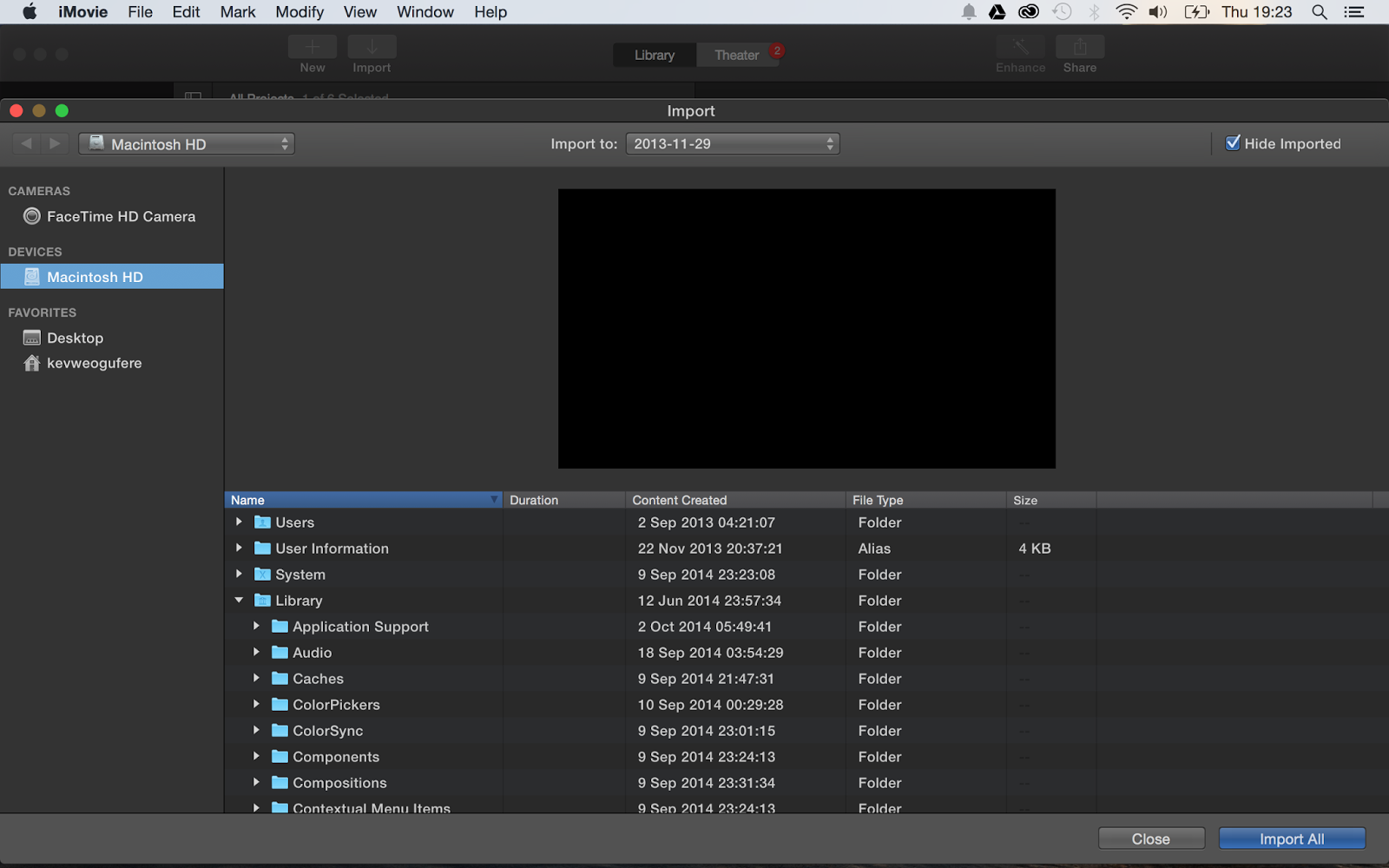
- I then imported footage onto iphoto
- From Iphoto I imported footage onto IMovie
- Once on IMovie I placed footage in correct order and adjusted length
Sound
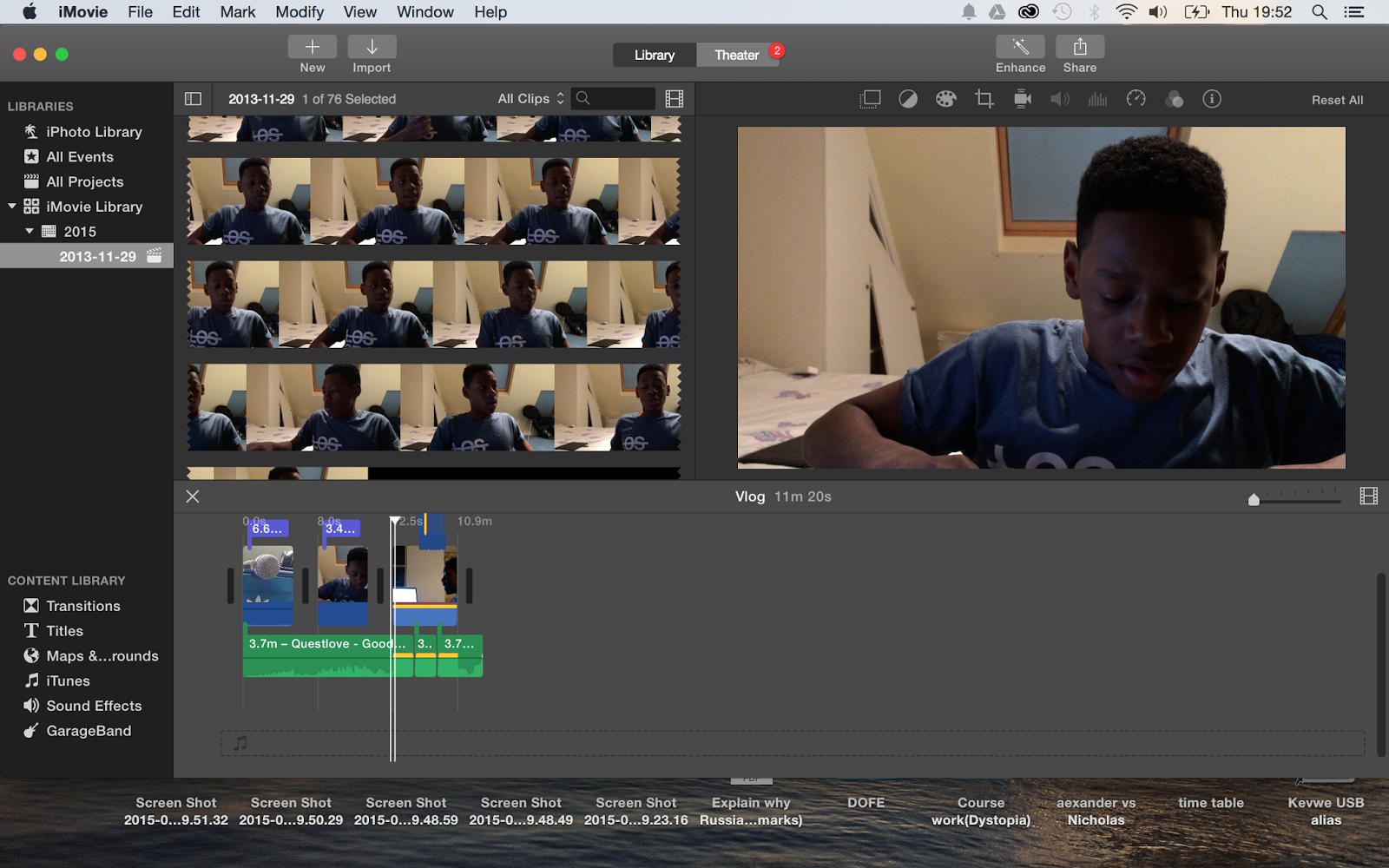
- As I used I microphone to record sound I had to import recording from garage band to IMovie
- Once on IMovie I had to sync up recording of voice with movement of lips
Writing

- Finally I added in writing
- I use Helvetica Neue Bold,with no outline a yellow colour and a pull focus title effect
Thursday, 5 March 2015
Making Question 5(Evaluation)

Playlist
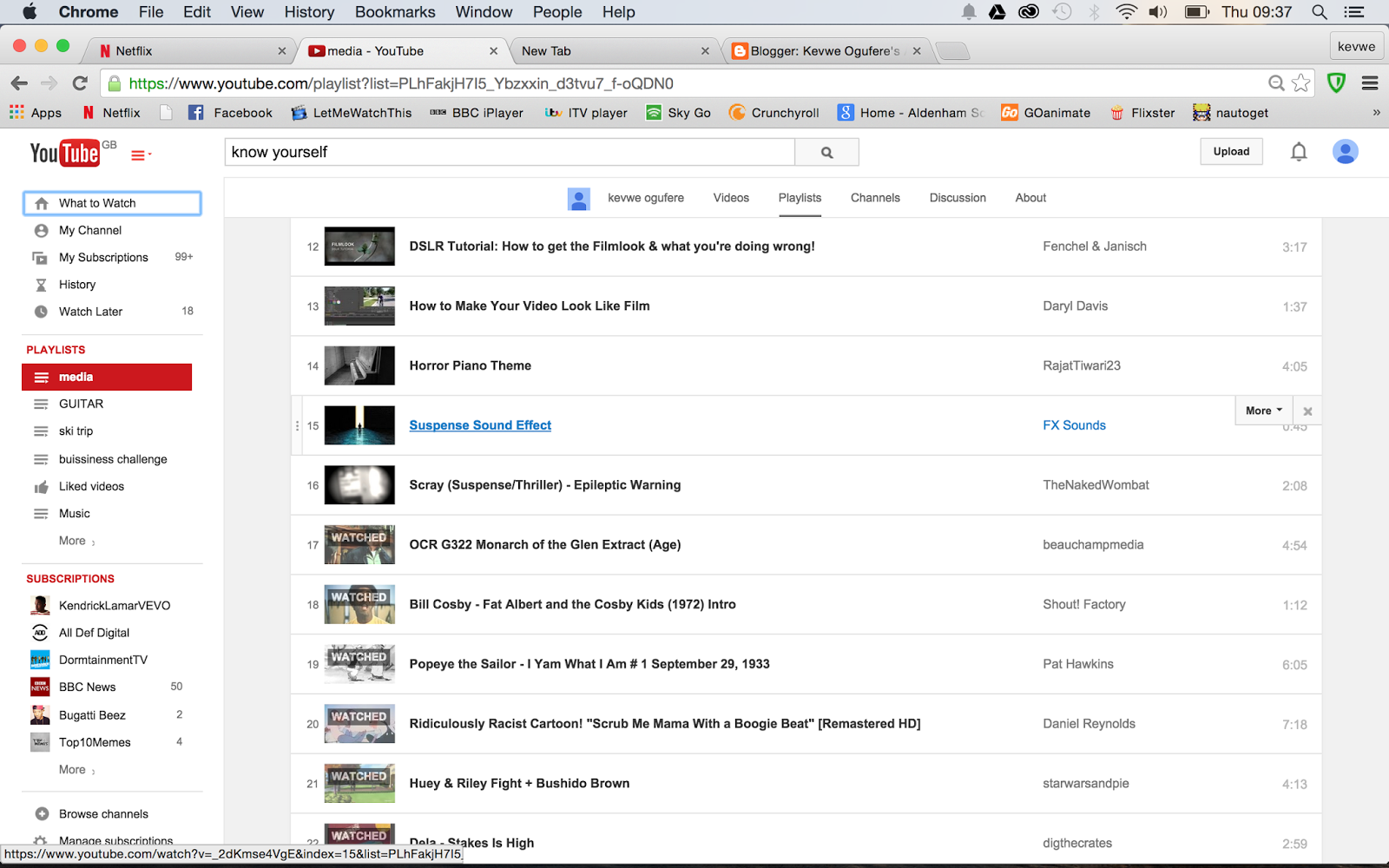
- Firstly I made a playlist on youtube of all the videos I wanted to use in the video
- This made it easier for me to find each video and play them quickly
Screen Record

- Then I recorded each video on playlist
- I used screen record in quicktime application
Images

- I then found the pictures that i wanted to use for the stills in my video
- And I downloaded them onto the desktop folder
Import

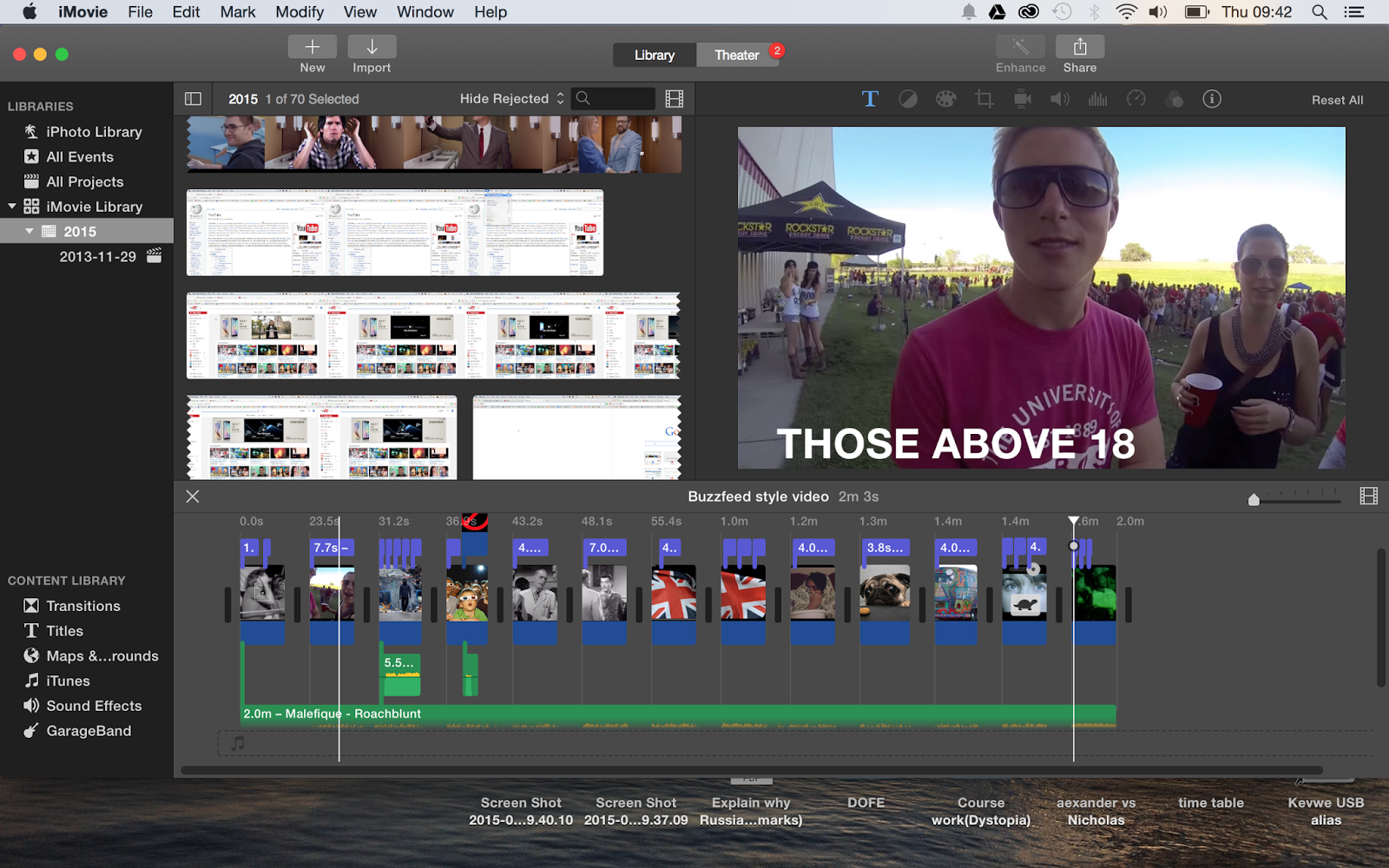
- I then import all of the video in desktop folder into IMovie
Select

- I then placed videos and still's in correct order
- And adjusted their length
Effect

- I then added in effects onto the appropriate videos
- This consisted of slow motion,cropping,Ken burns and other effects
Writing
Sound

- I used the song Roachblunt as my soundtrack
- I also added in various sound effects to match the video
Making Question 6(Evaulation)

Presentation

- The first step is to make the presentation
- I used Keynote which currently one of the best presentation applications available for apple software
- The presentation has ten slides one and covers film equipment,the editing software,other software,youtube and other videos.
Effects

- The next step is to add effects onto each slide
- I used flop,object cube,object cube,fall,colour planes,push,page flip,reflection,object zoom and move
Screen recording

- The next step is to screen record
- I used Quick time application
Import

- I then import it from my desktop onto IMovie
- This is the application i will edit my application on
Sound

- On IMovie to add in sound
- this consist of music by Dela and various sound effects to emphasise aspects of the presentations
Text

- The final thing to is to add in text
- I use Helvetica Neue Bold,with no outline a blue colour and a pull focus title effect
Saturday, 17 January 2015
Editing Processess
Uploading footage


- This consisted of exporting footage from USB to computer i was editing once
- Once this had been completed I uploaded the footage onto the final cut library
- We then selected clips and placed them in correct order according to story board
- As we took 3 takes of each shot we took the best quality out of the film to be put in
Adjusting footage

- After this we moved clips around in and completely rearranged the storyboard
- However we did this in order to create a more complex story which kept the reader engaged and made them think about what the title sequence is revealing bout the story of the actual film.We believed that this could not be achieved if the title sequence was in chronological order and it resemble a short film to much
- We then adjusted the length of each clip so that the over all time of the entire title sequence fitted within the time limit and so it was in sync with the soundtrack
Effects
- Some clips in the title sequence were dull or missing the effect we we intended to give them in the storyboard.
- These often were too long(or short) and uninteresting
- we fixed this by adding in effect this consisted of timelapse,multiple transition,blackouts,blur,rewinding and much more.This made these clips much more interesting.
- After this we needed to colour correct the clips we wanted to create a lurid tone making colours such as red stand out but still preserve the dark atmosphere.
- We achieved this through matching the colour of each clip with green colour this enhanced all the colours especially red after this we then darkened each clip to make the surrounding seem dull and bleak and to create a dark atmosphere further more the colour correction made the title sequence seem more cinematic and made look more polished.
Problems

- The first problem we came across was the fact that every time we tried to use a time lapse or title effects the film began to lag.
- We fixed this by lowering the percentage of how fast the clip was until it stopped lagging we also decided to only us to three title effect and that the rest would be extremely simple to stop lag we made the larger and bolder make them seem more interesting
- The next problem we came across was the horrible pacing of the title sequence however despite this the title sequence was to short
- We fixed this by going out and filming again and more or less doubled the amount of footage we had.The by adding all of these clips in it required us to shorten all of the clips that were currently in the title sequence to fit within the time limit.This made the film densely packed with footage and not only fixed the short length of the film but also the slow pacing
- The final problem we encountered was the fact that the soundtrack was not completely synced up with video.
- We fixed this by adding in final cut sound effects to create the illusion that the video and audio were completely in sync.
http://blog.joomag.com/wp-content/uploads/2014/03/re-upload-PDF.png
http://images2.layoutsparks.com/1/188565/passion-photo-graph-film.jpg
http://heldermachado.files.wordpress.com/2013/02/computer-problem.jpg
References
In the title sequence we make reference to a youtube video entitled This Is Why You Can't Outrun a Cheetah on the Smithsonian Channel.The video is part of larger series called Speed Kills and is the second episode of the first season. We only use 4 seconds of 3 minute clip.The video has a standard youtube licence and was released 10/2/12.The genre of the video is science tech,documentary.In the section of the clip we use the
cheetah is depicted chasing and killing a rabbit.
- We used the clip to highlight the mindset of the killer.
- We use the clip as a cut away in a scene where the killer is following then abducts his victim
- Many would view this as stalking and kidnapping further more breaking the law
- However the killer sees it as a hunt just like a cheetah
- It is also ironic as hunting is traditional seen as sport where aristocrats would gain pleasure from killing small animals such as rabbits with rifles
Friday, 16 January 2015
Final Edition Of Story Board


- We Made Various changes to story board which includes.
- Increasing the amount of close ups and extreme close ups to add intensity.
- Increasing the amount of shots to increase time and fix pacing.
- cutting out unnecessary shots or shots that did not work.
- Finally rearranging order of shots in order to have a better relation to soundtrack and more. interesting story.
Subscribe to:
Posts (Atom)